Google Review Cards With QR Code: A Practical Guide for Small Businesses
Looking for a Google review card that customers can actually use? A QR code review card can turn your business's Google review link into something customers can scan at reception, checkout, or after receiving a service.
But before buying one, it's worth knowing exactly what you're getting.
Some Google review cards are physical products. Others are digital downloads. Some require you to customize the design yourself, while others arrive completely personalized and ready to use.
And then there's NFC technology, which lets customers tap a card, stand, or keychain with their phone instead of scanning a QR code.
This guide explains the differences, what to look for before buying, and how to choose a practical review-request solution for your business.
First, What Does a Google Review Card Actually Do?
A Google review card provides customers with a shortcut to your business's Google review page.
Instead of asking them to remember your business name, search for your Google Business Profile, and find the review section, you provide a direct way to reach it.
With a QR code card, the process is straightforward:
See the card → Scan the QR code → Open the Google review page → Leave feedback.
The card doesn't write reviews or generate feedback automatically. Its purpose is simply to make the process of leaving a genuine customer review more convenient.
That's particularly useful for businesses that interact with customers in person, including restaurants, salons, cleaning companies, dental practices, retail shops, and other local services.
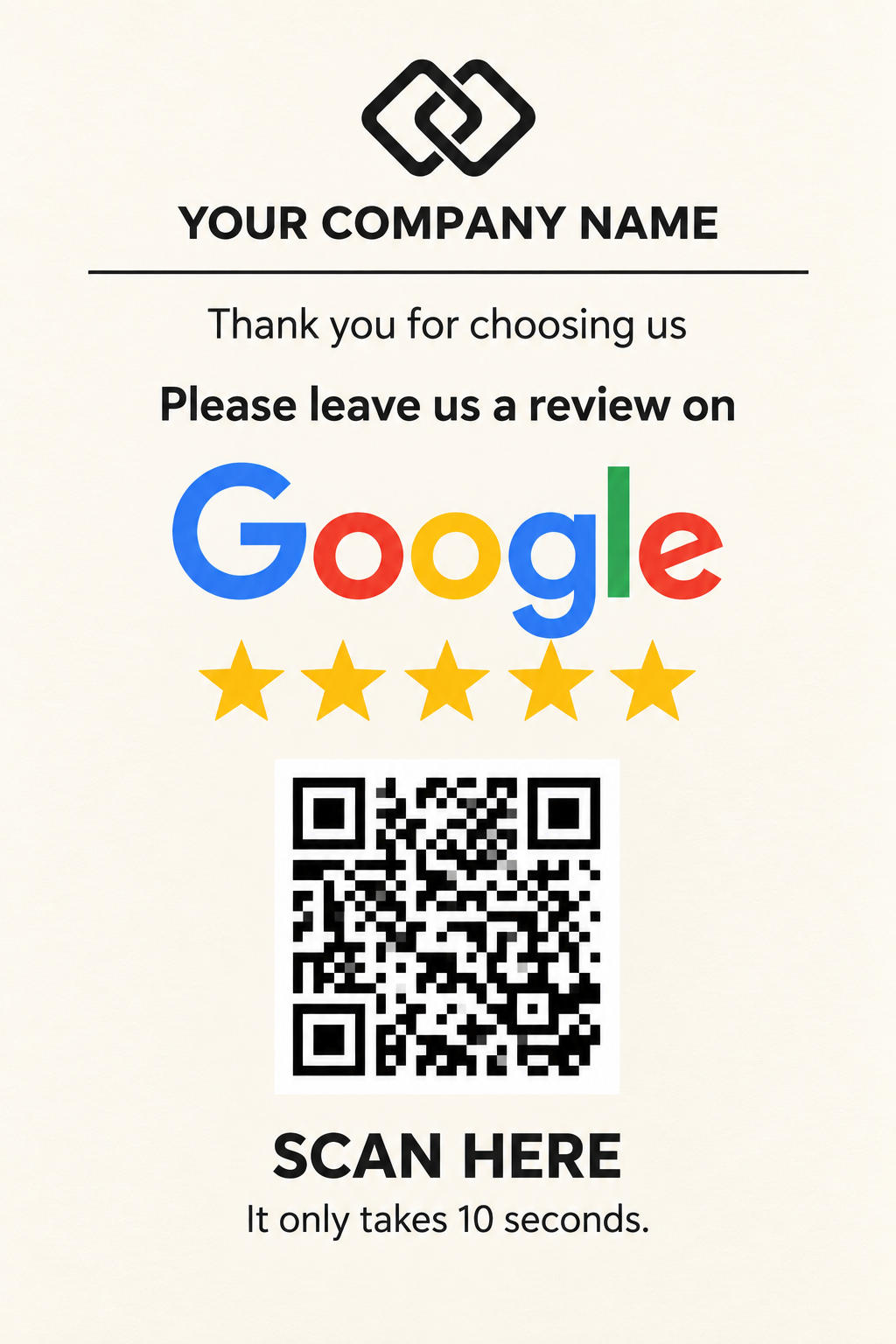
Three Different Things You Can Buy
One reason shopping for Google review cards can get confusing is that sellers use similar product names for very different offers.
The distinction becomes clearer when you look at how much work is included in the purchase.
1. A Standalone Google Review QR Code
This is the simplest starting point.
A QR code contains the link to your business's Google review destination. You can generate one using the review link associated with your Google Business Profile.
But a raw QR code isn't necessarily a finished customer-facing design.
You still need to decide where to display it, how to explain what it does, and how to make it look professional.
A standalone QR code can work well if you're comfortable preparing the visual materials yourself.
2. An Editable Google Review Card Template
An editable template provides a ready-made layout that you personalize yourself.
For example, many inexpensive Google review card templates are delivered through Canva.
You open the template, replace the placeholder text, add your business name, generate or insert your QR code, and export the finished design.
This offers flexibility, especially if you enjoy working with design tools.
However, you're still responsible for making the card, ensuring the code points to your actual review page, and preparing the final file.
The advertised price buys you the template, not the completed customization.
3. A Done-for-You Digital Google Review Card
A done-for-you product removes the design and setup work.
You provide your business information and Google review destination. The seller prepares the card, incorporates your unique QR code, and delivers a finished digital file.
There is no template to edit and no QR-code configuration for you to handle.
This is the main difference between a cheap DIY template and a professionally prepared digital Google review card.
You're purchasing the finished asset, not another task for your to-do list.
For a busy business owner who simply wants to order Google review cards and start using them, that convenience can be the deciding factor.
You’re purchasing the finished asset, not another task for your to-do list.
QR Code or NFC: How Should Customers Access Your Review Page?
The next consideration is technology.
Both QR and NFC products can direct customers to the same Google review destination, but the interaction is different.
QR Code Review Cards
A QR code review card contains a scannable code that customers open using their phone camera.
It can be part of a printed business card, a larger countertop sign, a poster, or another display.
One advantage of digital Google review cards with QR code is that you can print the design without buying electronic hardware.
You can also use the same artwork in different physical locations.
For instance, a restaurant can display printed cards near its checkout and include smaller versions with takeaway orders.
A home-service professional can leave a card after completing a job.
A salon can keep one at reception.
NFC Google Review Cards
NFC stands for near-field communication.
An NFC review product contains a small electronic chip programmed with your review URL. When a compatible phone is brought close to the chip, it can open the associated link.
You'll find NFC technology in several physical formats.
NFC tap cards resemble traditional plastic cards and can be handed to customers or displayed near a payment terminal.
NFC countertop stands are designed to remain in a fixed position, such as a café counter, salon reception desk, or retail checkout.
NFC review keychains offer a portable alternative. These small tags can be carried by employees or mobile professionals who meet customers at different locations.
Some NFC review products include a printed QR code as well, giving customers the choice to tap or scan.
The key difference is that NFC requires a physical programmed product, whereas a digital QR review card can be downloaded and printed.
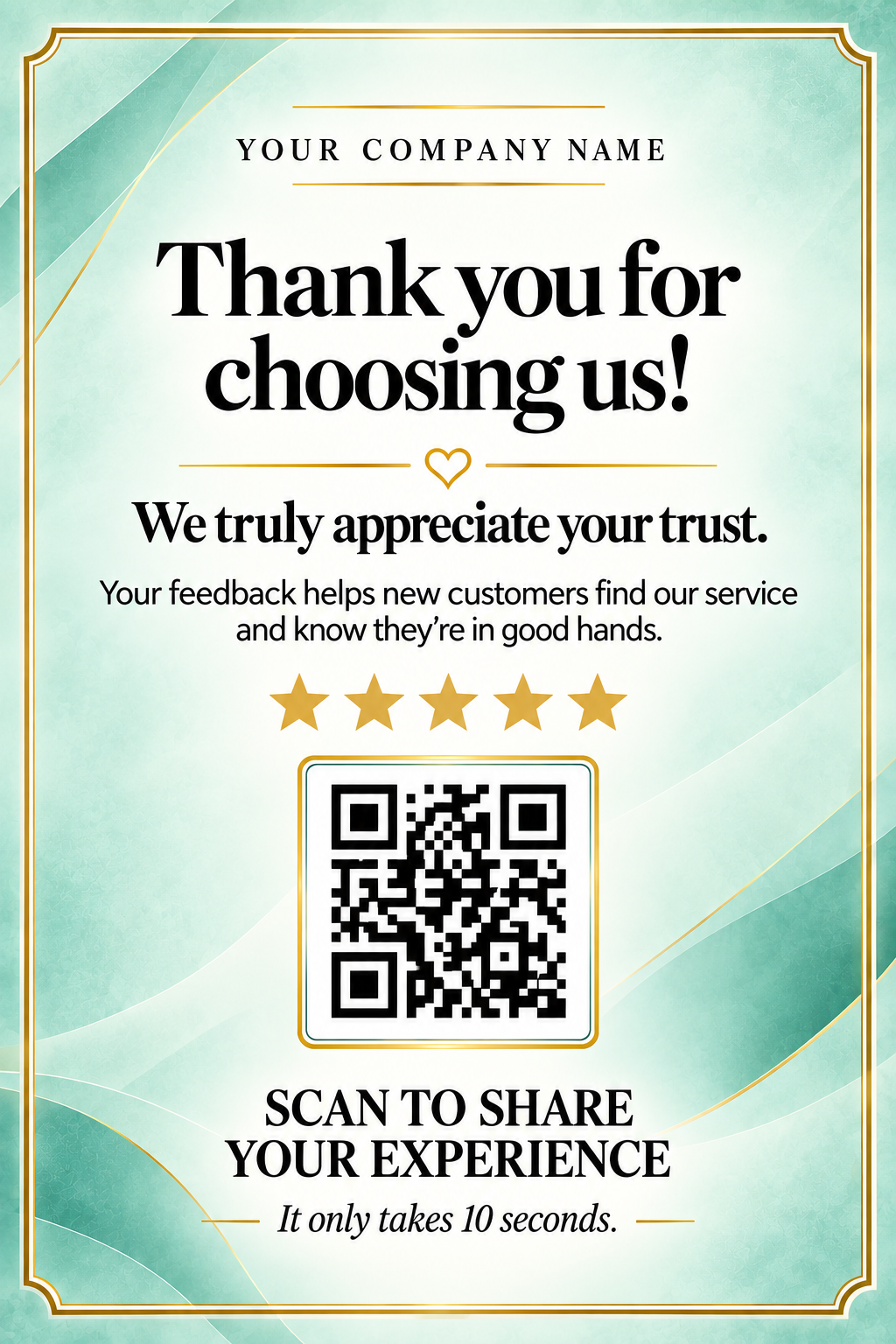
What Makes a Google Review Card Easy to Use?
A review card doesn't need an elaborate design to do its job.
In fact, simplicity is usually more helpful than cramming the card with decorative elements and competing messages.
A practical review card should have a few essential characteristics:
- An obvious call to action: Customers should immediately understand that they are being invited to leave a Google review.
- A prominent QR code: It should be large enough to scan comfortably, with adequate contrast and clear margins.
- The correct review destination: The QR code should open your business's actual Google review page.
- Recognizable business information: Your business name, and optionally your logo, should be visible.
- A clean layout: Avoid distracting customers with several unrelated messages.
- A tested finished file: Check that the code works before printing and displaying the design.
A well-designed card reduces the need to explain what customers should do next.
If you're searching for an easy to use Google review card, those practical details matter more than additional decoration.
Where Should You Display Your Review Cards?
Even a beautifully designed card is unlikely to achieve much if nobody sees it.
The most useful placement depends on where your customers naturally pause or interact with your business.
For restaurants and cafés, that might be a table, payment counter, takeaway bag, or bill holder.
For hair salons, beauty studios, and wellness businesses, a reception desk or appointment handoff area may be more suitable.
For cleaners, contractors, and other home-service providers, a small printed card can accompany the completion of a service.
Retail shops can display a review-request sign near checkout or include a printed card with an order.
A digital design gives you the flexibility to prepare cards for several of these touchpoints without buying separate NFC devices for every location.
One practical consideration: QR codes are designed to be scanned with another device. If you're requesting feedback through an email or message that customers will open on their phones, a clickable Google review link is often more convenient than asking them to scan an image displayed on the same screen.
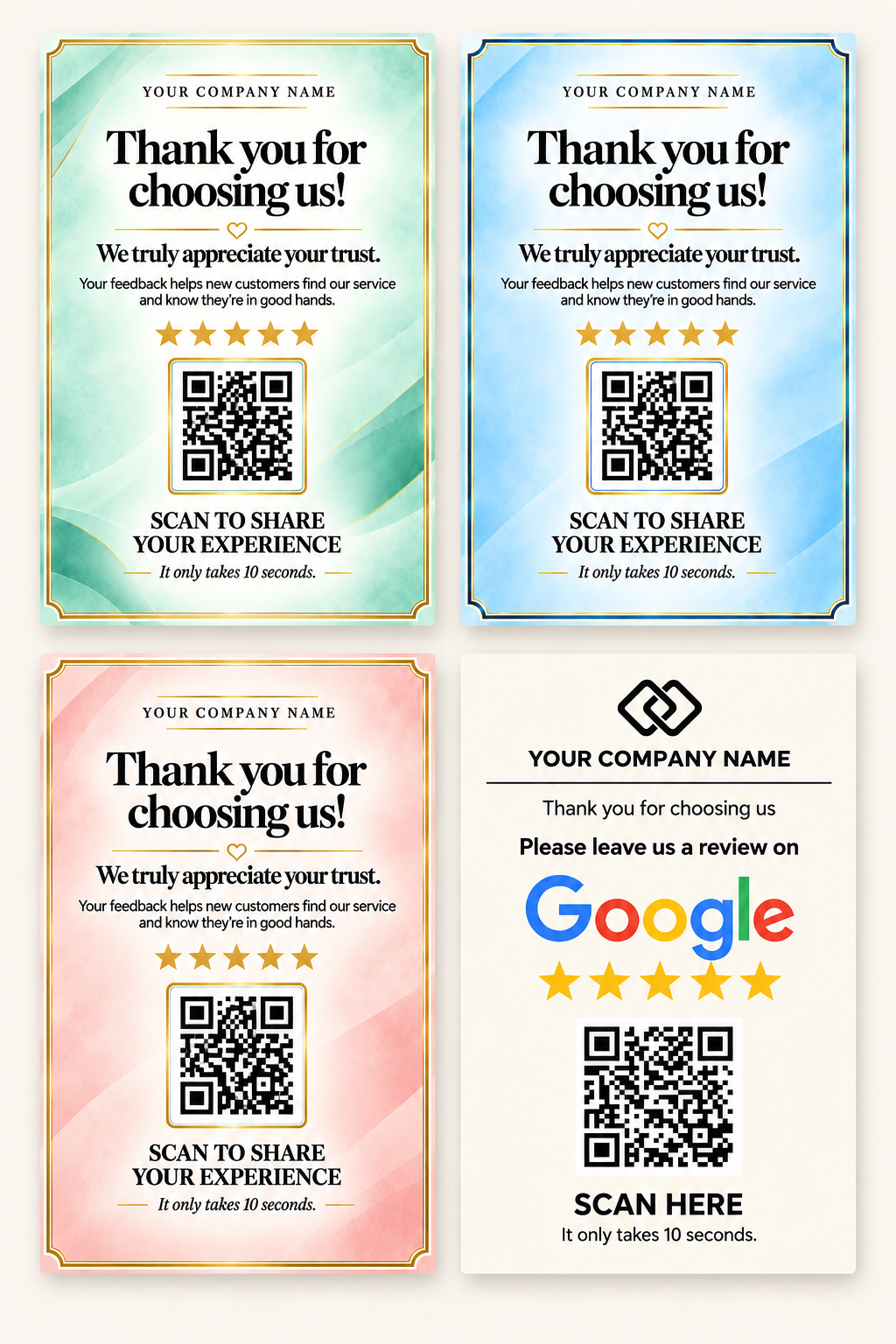
Google Review Business Cards: Small Format, Same Purpose
Not every business needs a countertop display.
Google review business cards are compact printed cards designed to be handed to customers or placed alongside other printed materials.
They usually contain the business name, a brief review request, and a QR code.
The advantage is portability.
You can keep a stack at reception, give one to a customer following a completed service, or include one in appropriate packaging.
Larger Google review request cards or countertop signs serve the same underlying purpose but are intended for display rather than individual handouts.
The appropriate format depends on how your business interacts with customers.
Should You Choose a Digital Card or a Printed Product?
Physical cards can be convenient when you want the manufacturer to handle printing and shipping.
But they also involve delivery times, shipping costs, and committing to a particular quantity.
A digital Google review card offers a different workflow.
Once the design has been prepared, you receive the finished file and can arrange printing yourself.
You can start with a few copies, experiment with placement, and print additional cards when needed.
If you're comfortable using Canva, an editable template may provide everything you need.
If you'd rather avoid opening a design tool altogether, a done-for-you digital product offers the same digital flexibility with less preparation.
That's an important distinction when comparing prices: an editable template and a finished personalized card are not the same service.
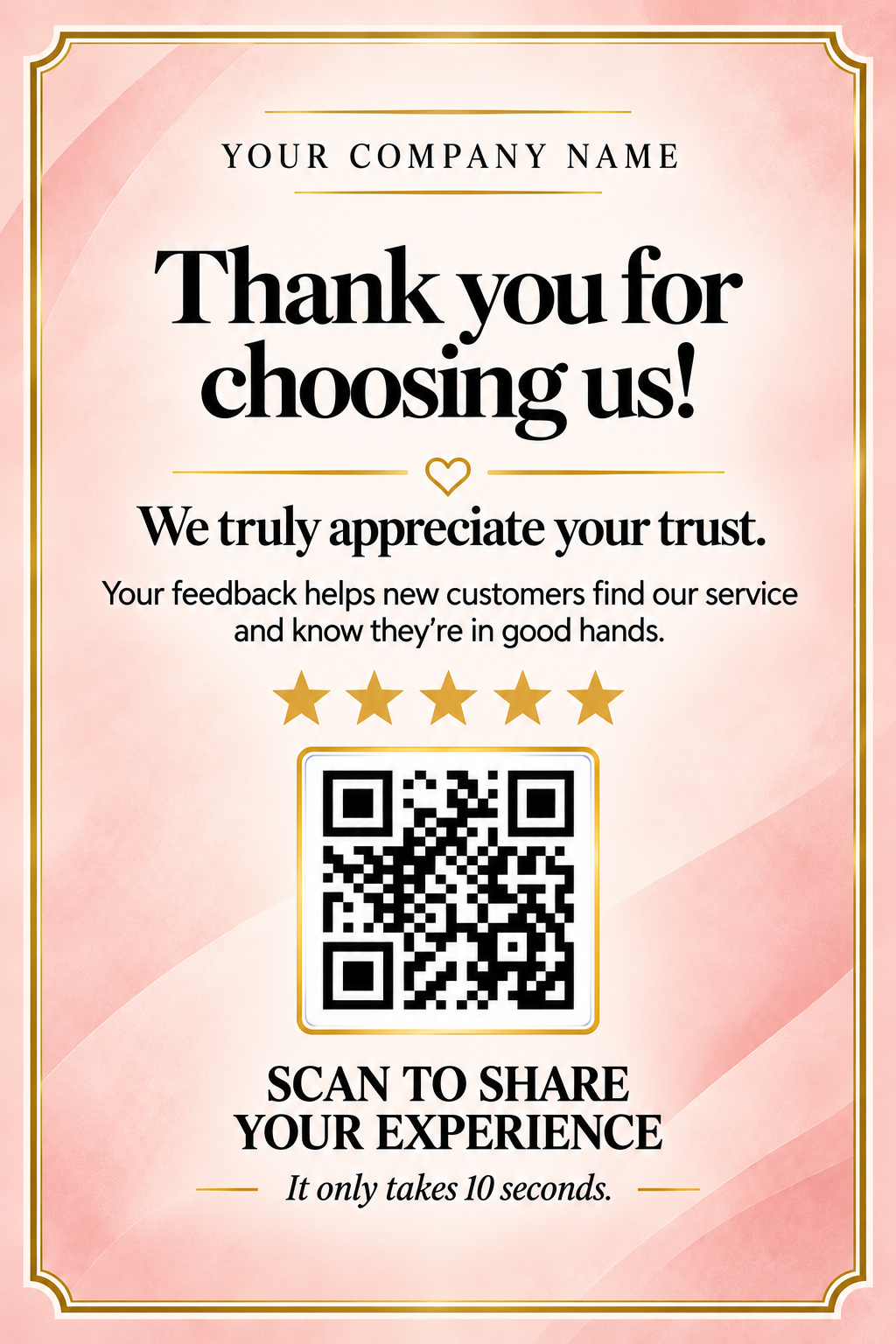
Asking Customers for Genuine Reviews
Google review cards are designed to make it easier for customers to share their experiences.
They should invite honest feedback rather than request a predetermined rating.
Simple messages work well:
"Scan to review us on Google."
"We'd love your feedback."
"Thank you for choosing us. Tell us about your experience."
Google prohibits incentives in exchange for reviews and practices such as selectively soliciting only positive feedback.
A neutral invitation to share a genuine experience keeps the message professional and straightforward.
A Custom Google Review Card Without the DIY Work
If you want the flexibility of a digital QR review card but don't want to prepare the design yourself, there's another option.
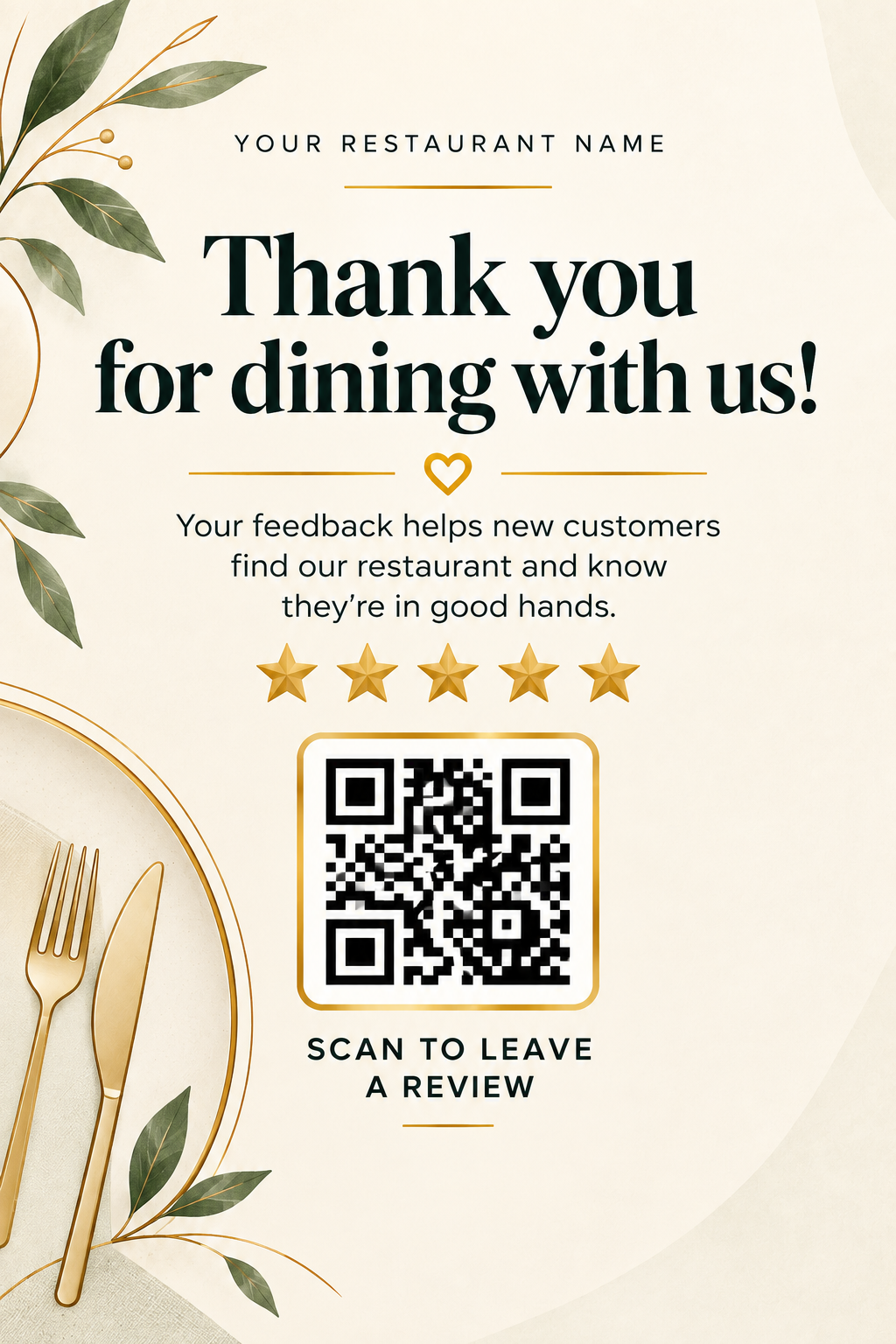
Our Digital Google Review Cards with QR Code product is a done-for-you alternative to editable Canva templates.
Rather than receiving an unfinished design and instructions, you receive a customized digital card created for your own Google Business Profile.
Your business name and unique review QR code are incorporated into a finished customer-facing design.
There's no Canva editing to complete, no standalone QR code to design around, and no NFC hardware to purchase.
The card is delivered digitally, ready for you to print and use.
This makes it a practical option for local businesses that want a professional review-request card without spending time preparing one from scratch.
What Happens After You Order?
Choose your preferred card design and provide the business details required for personalization.
Your custom QR code is added to the card and checked before the completed file is delivered.
Once received, you can arrange printing and place the card wherever it makes sense for your business.
The result is straightforward: a personalized review card designed around your actual business, rather than a generic template waiting to be edited.
Explore Custom Digital Google Review Cards
No Canva editing. No QR-code setup. Just a finished review card, personalized for your business.
Final Thoughts
Choosing between QR codes, NFC hardware, editable templates, and ready-made designs doesn't need to be complicated.
Start by thinking about where customers will encounter the review request and how much of the preparation you'd like to handle yourself.
A physical NFC stand can suit a permanent reception or checkout area. A portable keychain can be useful for mobile professionals. A printable QR review card offers flexibility across different customer touchpoints.
And if your priority is getting a finished design without doing the customization yourself, a done-for-you digital card combines that flexibility with convenience.
Ultimately, the useful review card is the one that fits your business, is easy for customers to understand, and actually gets put to use.